Record it once.
Cut it later.
Every screen, camera and mic records to its own track on your Mac. Pick the layout, zooms and captions after you stop, not before.
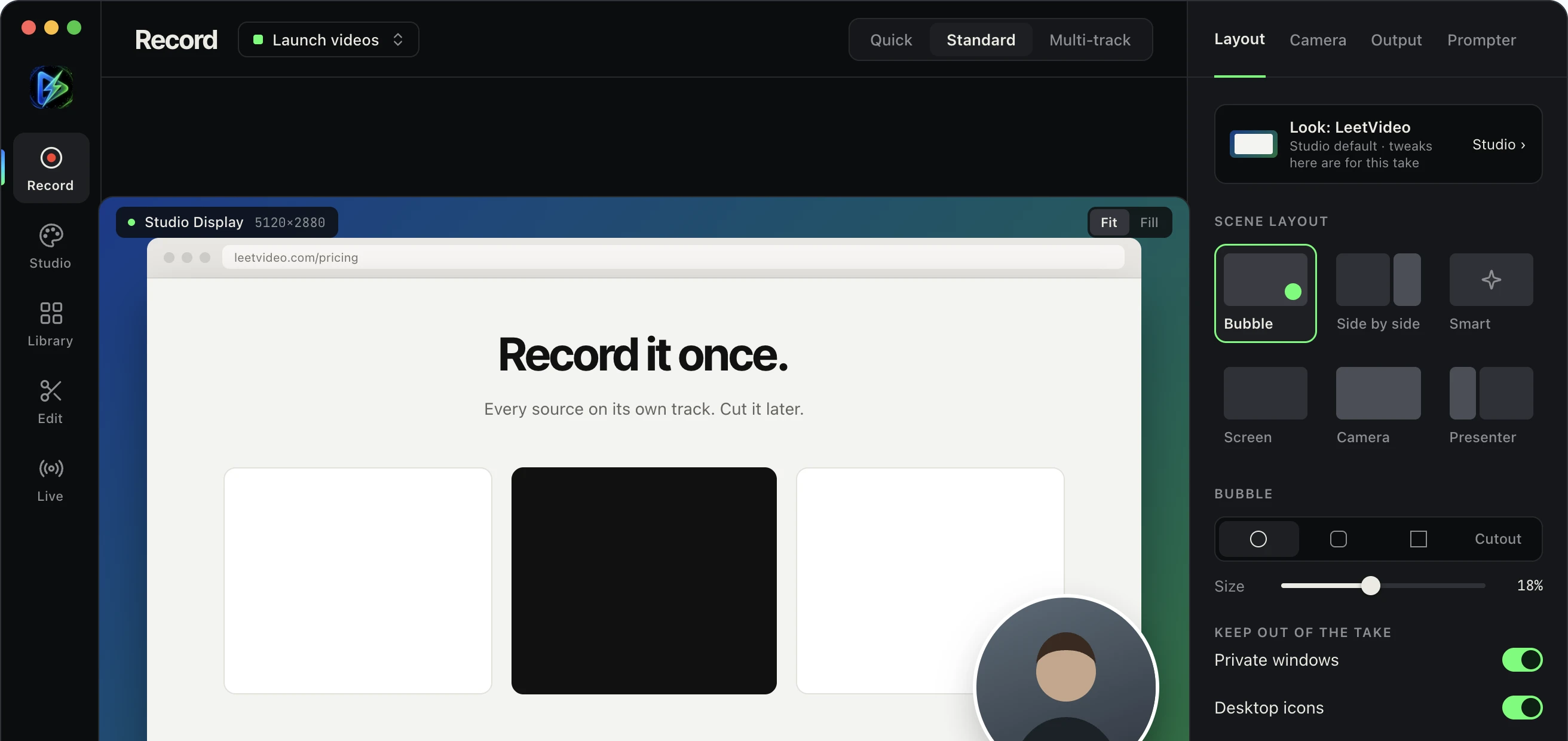
Every source gets its own track.
Two displays, two cameras and every mic save as separate files. Change the layout after the fact, cut to whoever is talking, or pull one camera out for a short. Nothing is baked in.
Looks good before you touch it.
Set your look once in Studio. Every take comes out styled, zoomed and captioned, ready to trim.
Looks you set once
Background, padding, bubble, captions, name tag, opener and end card. Save a few looks and give each project its own.
Zooms that place themselves
LeetVideo tracks your clicks, drags and typing, then zooms where the action is. Nudge any of them on the timeline.
Start with the screen. Um, so, click the record button and pick a display, like, any display you have.
Edit by deleting words
Every take is transcribed on your Mac. Strike out a word and the video cuts with it. Captions come free.
Let your agent run the camera.
The same engine ships as the leetvideo command and an MCP server. Script a demo, record a bug repro from CI, or let Claude switch scenes while you talk.
Your takes stay on your Mac until you share one.
Go live with the same scene you record.
Send to YouTube, Twitch or any RTMP or WHIP endpoint. Every destination is tested before you go on air, and a local copy records the whole time.
Free on your Mac.
Pro when you share.
Record it once. Cut it later.
Every screen, camera and mic records to its own track on your Mac. Pick the layout after you stop.
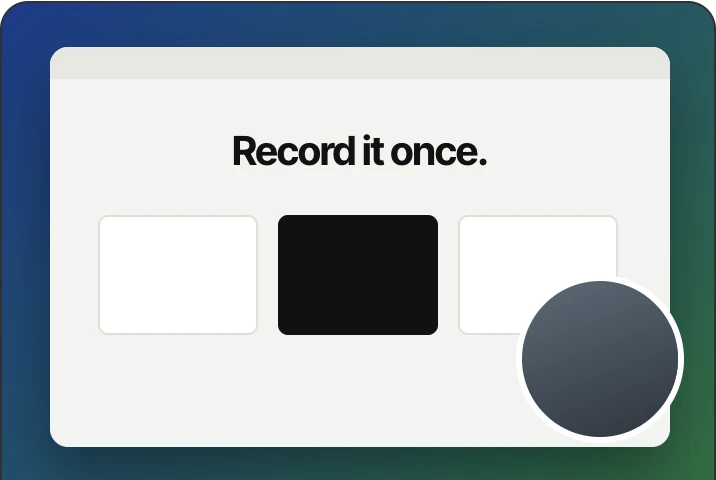
Every source gets its own track.
Change the layout after the fact or pull one camera out for a short.
Looks good before you touch it.
Looks you set once
Background, bubble, captions and name tag for every take.
Zooms that place themselves
Follows your clicks, drags and typing.
Edit by deleting words
Transcribed on your Mac. Captions come free.